Tools
Browser tools for VCF planning. What can move, and whether there is time to move it.
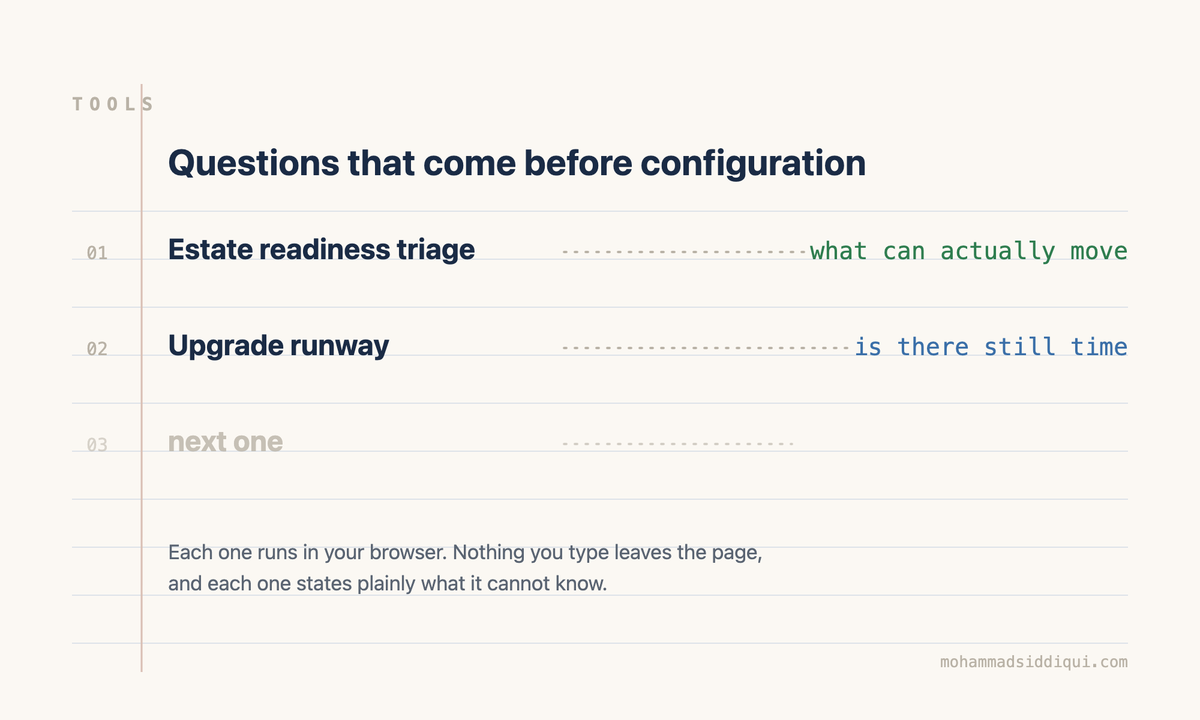
Free browser tools for the questions that come before configuration. Nothing to install, no sign-in, no account. Customers, partners and anyone running an estate are welcome to use them in their own planning, including in front of a steering committee, because nothing you type ever leaves your browser.
Each one answers something a spreadsheet usually gets wrong, shows its working, and says plainly what it cannot know.
Everything here runs in your browser. Nothing you enter is sent anywhere.
Estate Readiness Triage
Sort your clusters into goes as is, check first, remediate and replace, on CPU state, storage, boot device and current build. Flags the clusters that can move but will not be fleet-managed afterwards.
What can actually move →
Upgrade Runway
Work backwards from your end of general support date, through change freezes and approval lead time, to the latest date you could still start. Tells you which constraint is actually binding.
Is there time →
More to come
The two above chain together: triage gives you a cluster count, the runway tells you whether it fits. Others will follow the same rule, which is that they answer a planning question rather than a configuration one.
The reasoning behind each tool is written up in full: Will the hardware come with you? and The staged path from vSphere 8 to VCF 9.1 sit behind the triage, and You are estimating from the wrong number sits behind the runway. What you have to be able to restore covers the part neither tool scores.
These are planning aids, not commitments. Every figure should be checked against current Broadcom documentation before it reaches a plan, and each tool states what it does not know.
For configuration rather than planning, the calculators and generators at VirtualBytes cover subnets, MTU, VLANs, DNS, vSAN capacity, firewall rules and the VCF upgrade hop sequence. Different question, and worth having open in the next tab.